Measurement-first Google & YouTube for 8 & 9-figure brands
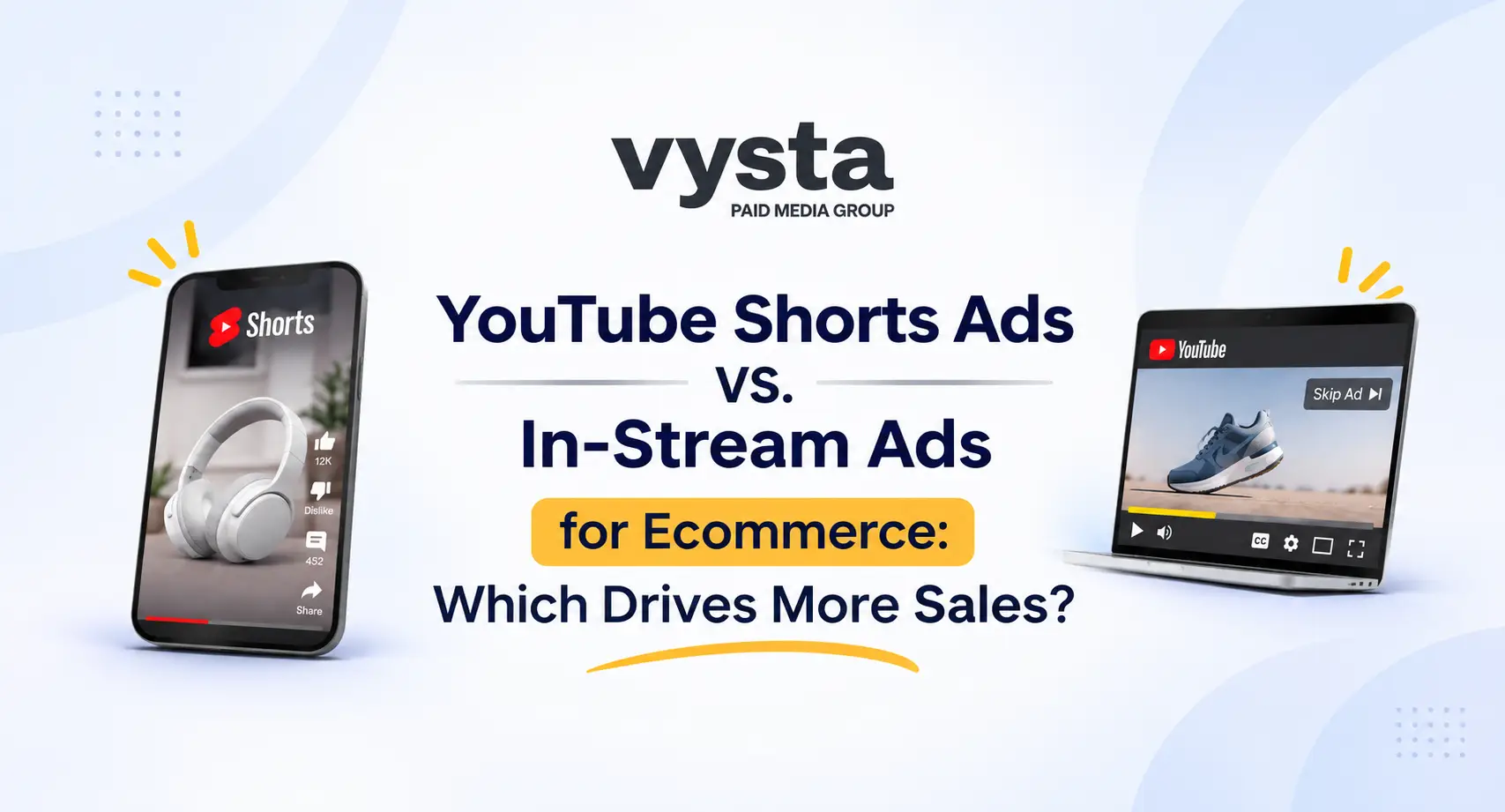
If you’re deciding between YouTube Shorts ads vs. in-stream ads to drive more sales for your ecommerce brand, the better choice boils down to four factors:
Neither format consistently drives more sales, and there’s no reliable head-to-head evidence showing that one consistently outperforms the other across ecommerce brands.
We’d recommend testing Shorts for products that can prove their value in seconds, like a lip tint being applied or a gadget snapping into place. Skippable in-stream ads may be a better starting point for products that need more explanation before someone buys, such as a $1,200 mattress.
Ultimately, the format that wins is the one that brings in profitable customers. The way to find out is to test both formats and compare their cost per purchase and return on ad spend (ROAS) against your margins.
Here’s how the four factors compare:
Factor | YouTube Shorts Ads | Skippable In-Stream Ads |
How your product sells | Suits products with benefits that are easy to demonstrate quickly | Gives more room to explain products that need consideration |
What it costs | Worth testing for lower-priced products with a simple purchase decision | Worth testing for higher-priced products that need more explanation |
Your ad creative | Short, vertical videos with an immediate product demonstration | Longer demonstrations that explain the product’s value |
How you measure results | Purchase CPA and ROAS | Purchase CPA and ROAS |
The main difference between YouTube Shorts ads and in-stream ads is how viewers interact with them. Shorts ads appear in a feed where people can swipe away immediately, while skippable in-stream ads play around videos people have chosen to watch. This changes how quickly advertisers need to communicate their product’s value.
YouTube Shorts ads appear between organic Shorts on phones, tablets, desktops, and TVs. Because viewers can swipe away instantly, ecommerce advertisers need to capture attention in the first few seconds.
For example, a beauty brand could open with a lip tint being applied and show its logo once the product has the viewer’s attention. Google also recommends vertical (9:16) videos for the Shorts feed, and only the first 60 seconds of an ad plays there.
The format also offers substantial reach, with YouTube reporting over 200 billion daily Shorts views in June 2025.
Skippable in-stream ads play before or during the YouTube videos people choose to watch. Viewers can skip after five seconds, so advertisers still need a strong opening to keep them watching.
However, the format allows more room for detailed demonstrations. A mattress brand, for example, could explain its construction and show what justifies its higher price.
Skippable in-stream ads have nomaximum length, and Google recommends keeping them under three minutes. Non-skippable in-stream ads are a separate format with no skip button, which Google sells per thousand impressions for awareness goals.
When choosing which format to test, you also need to consider how Google charges for ads and how much control you have over their performance. The table below shows what to expect from each format when setting up and measuring your ecommerce campaigns.
Here’s how both formats compare when running an ecommerce campaign:
Factor | YouTube Shorts Ads | Skippable In-Stream Ads |
Placement | Between videos in the Shorts feed | Before, during, or after YouTube videos |
Viewer behavior | Viewers can swipe away immediately | Viewers can skip after 5 seconds |
Creative format | Vertical (9:16) recommended | Landscape (16:9) commonly used |
Paid view under CPV bidding | After 10 seconds, completion if shorter, or a qualifying interaction | After 30 seconds, completion if shorter, or an interaction |
Billing in Demand Gen | Per impression | Per impression |
Campaign control | Can select Shorts separately in Demand Gen | Can select in-stream separately in Demand Gen |
Performance reporting | Separate results in Demand Gen, blended in Performance Max | Separate results in Demand Gen, limited format visibility in Performance Max |
Both formats support sales-focused campaigns through Google Ads. With Demand Gen channel controls, advertisers can choose where their ads appear and compare performance by format.
The important distinction is that neither format has a proven advantage in cost per purchase or ROAS. The only way to establish which format performs better for your store is to test them under comparable conditions and evaluate the resulting purchases and revenue.
The better YouTube ad format for ecommerce sales depends on how quickly customers can understand your product and what they need to know before buying. Shorts can introduce a product through a quick demonstration, while skippable in-stream ads give you more room to address buying concerns. Both can play a role in a YouTube Ads funnel strategy for ecommerce brands.
Here are the situations where we’d recommend testing Shorts, in-stream ads, or both for your ecommerce brand.
Shorts ads are worth testing when your product can demonstrate its value in seconds, especially at a price that encourages a quicker purchase decision.
Here are some products we’d consider for Shorts:
We’d also test creator-made videos, especially for products people want to see used in real life. Google reported an average 30% higher conversion lift from its creator partnerships boost on Shorts, based on data from January 2025 to January 2026. That supports testing creator content, although it doesn’t establish that Shorts outsell in-stream ads.
Skippable in-stream ads are worth testing for premium or complex products that require more explanation before customers buy. A $1,500 espresso machine, for example, may need a longer demonstration to show how its brewing features justify the price.
Although viewers can skip after five seconds, advertisers can use the remaining video to address common buying concerns. The goal is to give interested viewers enough information to make a purchase decision.
Ecommerce brands should test both formats when they have suitable creative and enough budget to gather meaningful purchase data.
For example, Google reported that Samsung achieved a 13% higher conversion rate for its Galaxy S24 launch using AI-powered video campaigns expanded into Shorts, compared with horizontal-only campaigns.
However, that result doesn’t isolate Shorts’ contribution because the campaign mix changed. A separate format-level test provides a clearer comparison of cost per purchase and ROAS.
When it comes to ROAS, CPA, and conversion rates, the better format between YouTube Shorts ads and skippable in-stream ads depends on your actual campaign performance. Since no reliable public head-to-head study exists, you need to rely on your own data.
To see which format turns views into profitable sales, track these metrics:
Be careful when comparing CPV. Under Google’s view-counting rules, a Shorts view generally counts after 10 seconds, compared with 30 seconds for skippable in-stream. Shorter videos and qualifying interactions can count sooner. Since the thresholds differ, a cheaper view doesn’t tell you much about which format brings in more sales.
The same goes for clicks. If plenty of people visit your store but few buy, check for landing page mistakes that hurt Google Ads ROAS before deciding the ad format isn’t working.
To show you how these metrics can lead to different conclusions, let’s compare two hypothetical campaigns with $5,000 in ad spend each and a 50% contribution margin before advertising costs.
Metric | Shorts | In-Stream |
CPV | $0.05 | $0.10 |
Purchases | 80 | 50 |
Purchase CPA | $62.50 | $100 |
Average order value | $70 | $160 |
Revenue | $5,600 | $8,000 |
Revenue ROAS | 1.12x | 1.60x |
Contribution-margin ROAS | 0.56x | 0.80x |
New customers | 64 | 30 |
New-customer acquisition cost | $78.13 | $166.67 |
In the example above, Shorts generates more purchases at a lower cost, while in-stream brings in more revenue because customers spend more per order. However, both campaigns still lose money after expenses. This shows why cheaper purchases or higher ROAS don’t automatically mean better results.
The format worth investing in is the one that leaves your business with more profit after advertising costs. And the way to find that out is to test both formats and compare how much each one actually earns your business.
To find out which format drives more profitable sales, test Shorts and in-stream ads under comparable conditions. Keep the product and offer consistent, then compare both against the same sales goal.
Here’s how we’d run the test for an ecommerce brand:
Start with the sales result that matters to your business. If you’re trying to attract first-time buyers, work out how much you can afford to spend acquiring one. If your priority is profitable orders, set a target CPA or ROAS that accounts for your product costs.
For Shorts, get the product on screen immediately and use captions so the message works without sound. For in-stream, make the first five seconds worth watching, then use the rest of the video to explain the product.
Keep the product and offer the same across both ads. You’ll be comparing each format with creative designs for how people watch it.
Use Demand Gen channel controls to select Shorts or in-stream placements separately. For a more controlled comparison, Google’s Demand Gen experiments support testing two campaigns with a 50/50 traffic split.
Whichever setup you choose, keep these consistent:
Check actual spending throughout the test. Even with an equal traffic split, one format may spend more than the other.
Set your acceptable CPA before launch and resist making changes after a few purchases. Google requires at least 50 conversions per group to display results for conversion-based Demand Gen experiments and recommends four to six weeks of testing.
If you haven’t collected enough sales, the results may still be inconclusive.
Compare cost per purchase and ROAS against your targets. If acquiring new customers is the priority, check which format brings them in at a sustainable cost.
Once a format proves profitable, increase spending carefully using a reliable Google Ads scaling framework. If both fall short, revisit the creative or offer before putting more money behind either one.
To measure YouTube Shorts and in-stream performance in Google Ads, open your Demand Gen campaign’s reporting table and select Segment > Ad format. This shows the purchases Google Ads attributes to each format alongside how much you spent. Compare their CPA and ROAS to see which is delivering better sales results for your budget.
However, the available reporting depends on your campaign type:
Use the same purchase tracking settings for both formats, and make sure Google Ads receives the actual value of each order. Otherwise, differences in reported ROAS could come from your tracking setup rather than the ads themselves.
Even with matching settings, Google Ads and Shopify may report the same sale differently. Someone could watch your YouTube ad, search for your brand the next day, and buy. Google Ads may give the video credit, while Shopify attributes the order to search. You can use PPC reporting tools to investigate those differences before deciding which campaign deserves more budget.
For a clearer picture of how many additional sales your advertising generates, eligible advertisers can use Google’s Conversion Lift studies. These compare people exposed to ads against a control group, with minimum requirements of $5,000 in campaign budget and 1,000 observed conversions.
Your testing budget should depend on your target CPA and the number of purchases you need to compare both formats.
For example, at a $60 target CPA, aiming for 50 purchases per format would require approximately $3,000 each, or $6,000 total. This is an estimate, and 50 purchases don’t automatically guarantee reliable results.
For Demand Gen campaigns using Target CPA, Google recommends a daily budget of at least 10 times your target CPA. That’s $600 per campaign per day at a $60 target CPA.
Your actual budget will also depend on:
If your budget can’t support a meaningful test of both formats, start with the one best suited to your product.
When you weigh YouTube Shorts ads vs. in-stream ads for your ecommerce brand, Shorts are the stronger bet for products that sell on sight, while skippable in-stream ads are better suited to products that sell on explanation. However, neither format has a proven sales advantage, so the better choice ultimately comes down to how your product sells and what a fair test of both formats reveals in your own account.
Want to find the YouTube ads strategy that works best for your ecommerce brand? Book a free audit call with Vysta. As a Google Premier Partner, we’ve helped ecommerce brands generate over $1.5 billion in revenue. We’ll help you identify how YouTube can bring in more new customers and profitable sales you can scale.
No, YouTube Shorts ads aren’t consistently better than skippable in-stream ads for ecommerce. Shorts may work better for products that sell through quick demonstrations, while in-stream gives brands more time to explain complex products. To find the better performer, test both formats in Demand Gen and compare their purchase CPA and ROAS.
Yes, YouTube Shorts ads can convert into sales through Demand Gen and Performance Max campaigns that optimize for purchases. Quick product demonstrations can encourage viewers to visit your store, while Merchant Center product feeds can make products easier to discover. To measure success, track purchases and judge Shorts on CPA and ROAS.
No, YouTube Shorts ads aren’t always cheaper than skippable in-stream ads. Shorts may have lower costs per impression, but that doesn’t guarantee cheaper purchases. The formats also use different paid-view thresholds, making cost-per-view comparisons misleading. For ecommerce brands, cost per purchase and ROAS better show which format delivers more value.
Yes, YouTube Shorts ads can be used to remarket to previous website visitors and people who’ve engaged with your YouTube content. You can create these remarketing lists in Google Ads and use them in Demand Gen campaigns. For remarketing-only campaigns, disable optimized targeting to avoid reaching people outside your selected audiences.
Yes, you can use the same video for Shorts and in-stream ads, but we recommend creating separate versions. Google allows horizontal videos in Shorts, although they may appear with blurred space above and below. For better results, use a 9:16 vertical cut with a quick opening for Shorts and a 16:9 version for in-stream.
Book a call with Nate Schneider to explore how Google and YouTube ads can drive scalable, measurable growth.